Your first five minutes
Open a card, pick a view and find the tour
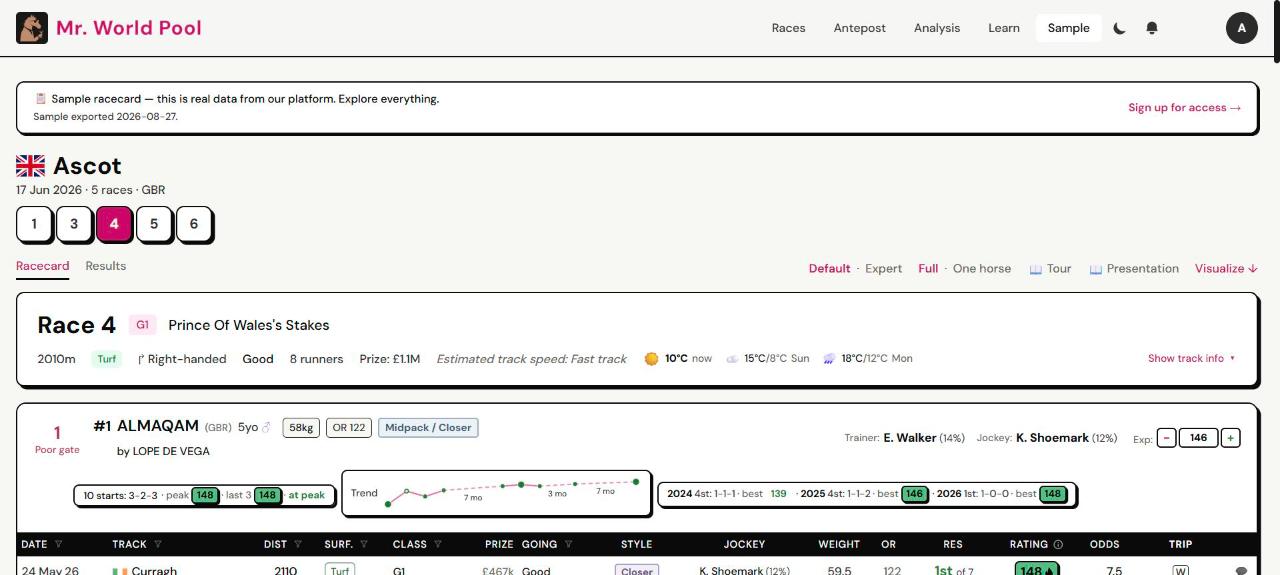
The same card in light mode:
Where do I start?
Open the sample card. It is a real racecard, free, and you don't need an account.
What am I looking at?
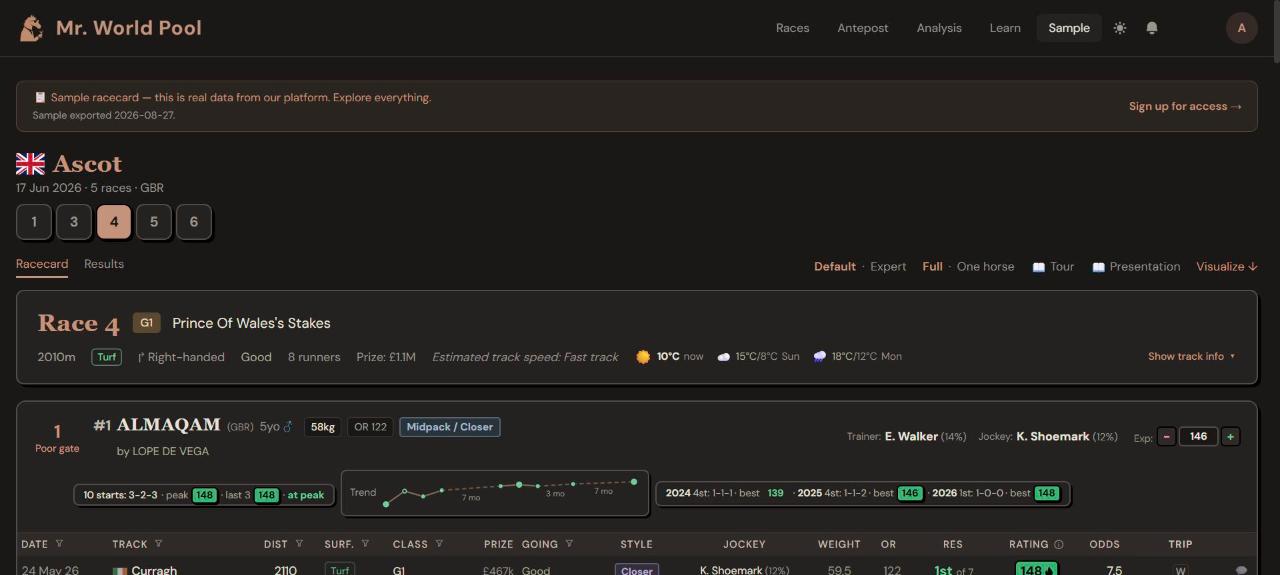
- The race numbers (1, 3, 4 …) under the track name switch between races.
- Racecard / Results switches between the form before the race and the result after it.
- One box per horse, with its past runs listed underneath.
Which view should I use?
Two switches at the top right decide how much you see:
| Switch | Choice | Use it when |
|---|---|---|
| Detail | Default | You are new, or want a quick look. Shows the essentials |
| Expert | You want everything: career breakdowns, gate and track-speed columns, gear, deeper stats | |
| Field | Full | You want every runner on one page |
| One horse | You want to study one runner at a time without scrolling |
Start on Default and Full.
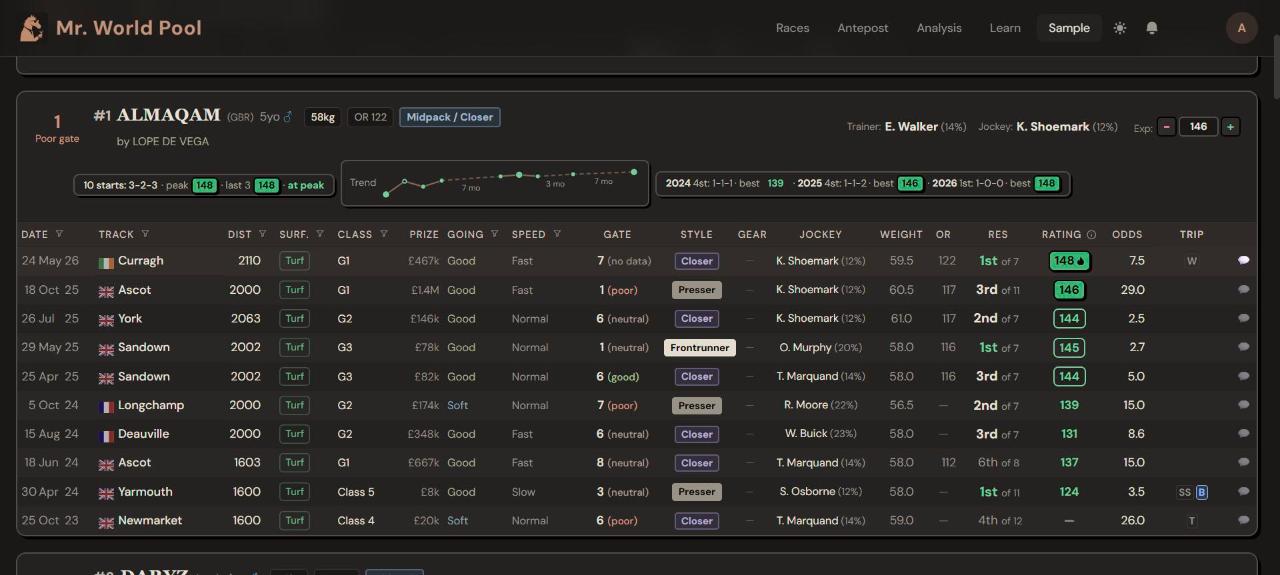
Expert view adds the Speed, Gate and Gear columns:
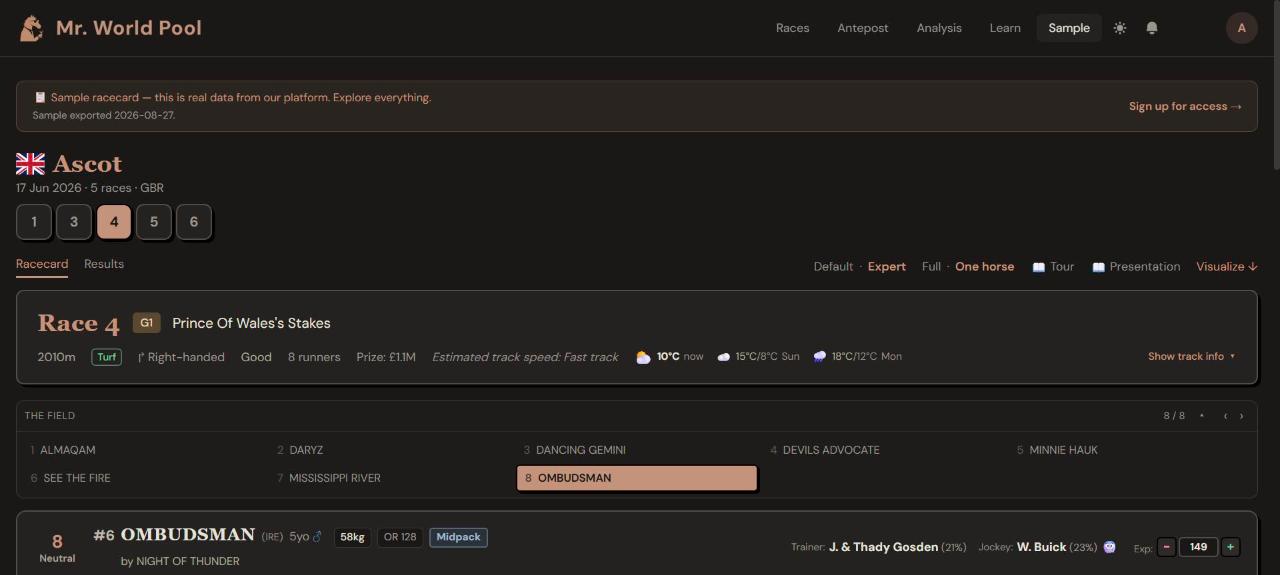
One horse view shows the field as a list and one runner at a time:
Light or dark?
The sun (or moon) icon at the top right switches between light and dark mode. We recommend dark mode for long sessions and in the evening; it is easier on the eyes.
What should I do first?
Look at the green numbers in the Rating column for two or three horses. Higher is better. That is the whole idea, and the next articles show how to read it properly.
See it on the card: open any racecard and press 📖 Tour at the top right. The tour points at each of these things in turn. Start the tour on the free sample card.
Want the thinking behind it? That is what the course is for. The Intro track is free; the full course is coming soon.